
The restaurant operating system built for Thailand
Run direct. Keep more.
Your own ordering page, POS, kitchen flow, customer inbox, and Thai tax paperwork in one bilingual system. Start with a free Tier-0 storefront at krobjob.store.
Krobjob direct order
krobjob.store/your-restaurant

- Customer paid
- ฿650
- Krobjob commission
- ฿0
Restaurant keeps
฿650
Orders belong to your restaurant. The customer relationship does too.
Savings, now on the front page
Put your real order volume on the table.
Use your own numbers. The estimate compares an editable delivery-platform rate with the current 0% Krobjob founding offer.
This is an estimate, not a quote. Change the commission rate to match your contract.
Estimated commission kept by your restaurant
฿756,000
per year
- Monthly direct-order sales
- ฿210,000
- Kept each month
- ฿63,000
The first five minutes
From menu photo to a live restaurant page.
The simple path is designed for a phone. Each step opens on its own, stays narrow, and gives you one clear job before moving on.
Follow the full getting-started guide- 0145 sec
Create the restaurant account
Add your restaurant name, contact details, and preferred language.
- 0290 sec
Scan or paste the menu
Upload menu photos or paste text. The scanner extracts English and Thai when both are present.
- 0390 sec
Review English and Thai
Fix names, descriptions, prices, hours, and photos before anything is published.
- 0445 sec
Publish your .store page
Go live at krobjob.store/your-restaurant and download the table-ready QR code.
- 0530 sec
Open the restaurant inbox
Receive customer replies at your Tier-0 address and manage them inside Krobjob.
One system, not four
The order stays connected from guest to paperwork.
Krobjob connects the surfaces a restaurant already uses, so the team does not have to copy the same order between disconnected tools.
- 01
Direct order
Guests order from your branded menu for dine-in, pickup, or delivery.
- 02
POS and kitchen
Counter orders and online orders move into the same operational flow and kitchen view.
- 03
Payment and customer record
Track the order, payment status, and customer conversation without losing the context.
- 04
Receipts and tax preparation
Issue VAT-ready receipts and prepare records for accounting sync. Krobjob does not file taxes on the restaurant's behalf.
Krobjob Pulse, interactive product preview
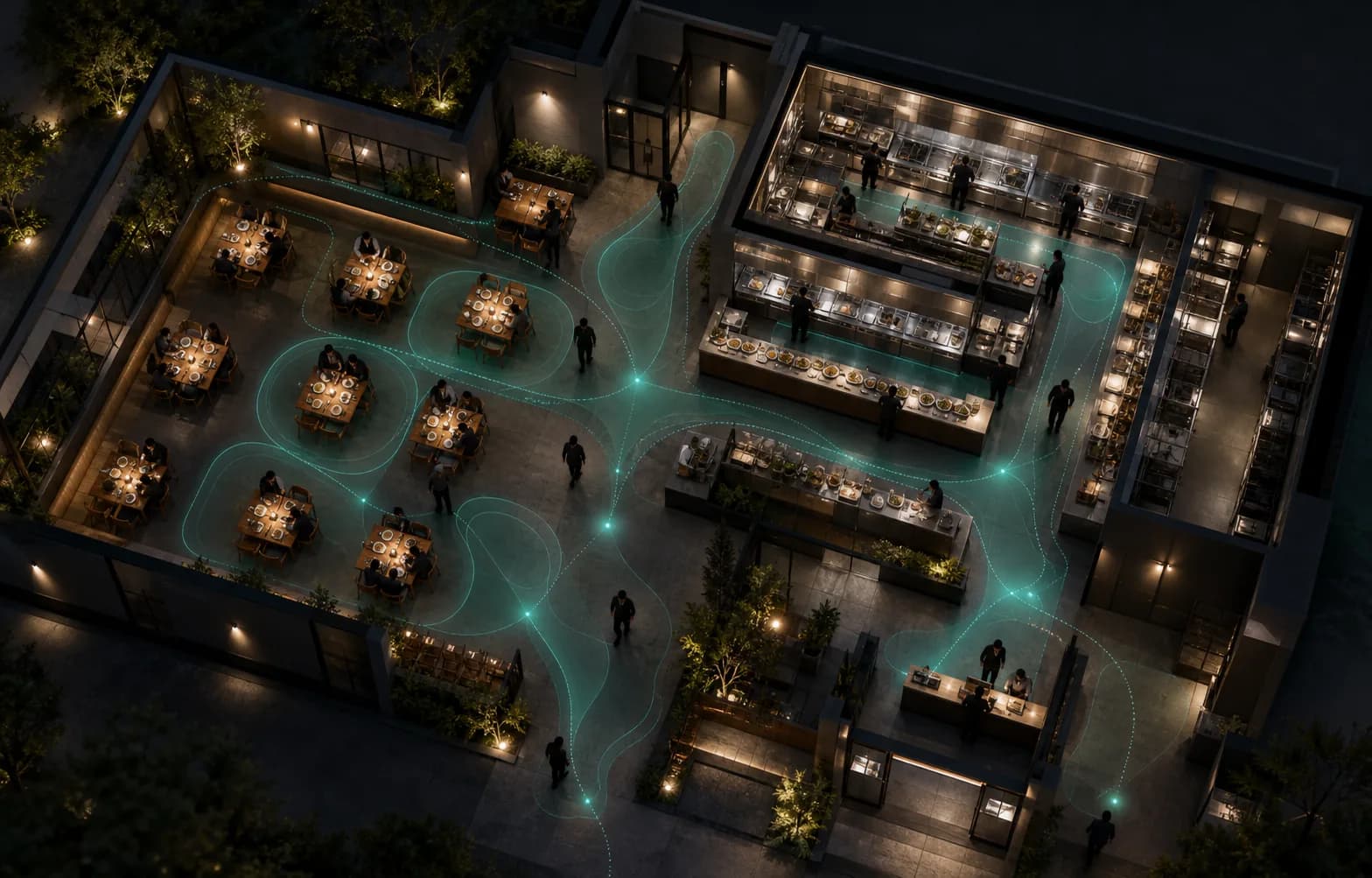
See the pressure points inside a restaurant shift.
Pulse explores aggregate dining-room, kitchen, cashier, and dispatch patterns beside the order flow. It is designed to help a manager spot bottlenecks, not score employees.
Explore the controlled restaurant pilotSimulated activity
Controlled restaurant pilot preview
52%
Zone load
8
Open orders
61%
Kitchen load
3
Dispatch queue
Simulated preview. Controlled restaurant pilot. No facial recognition, cameras, audio, named employee histories, or individual productivity scores. Physical deployment remains subject to pilot safeguards and Thai legal review.
Choose the job you need to finish
Guides organized around restaurant work.
Every guide states who it is for, its availability, setup time, exact steps, and how to know the job is done.
Get online
Restaurant profile, bilingual menu, .store page, QR code, and inbox.
02Sell
Direct ordering, POS, payments, promotions, and customer records.
03Run the restaurant
Kitchen flow, reservations, tables, waitlist, inventory, and supplies.
04Grow
Google presence, campaigns, leads, content, and repeat business.
05Team and compliance
Access, working hours, payslips, login history, receipts, and record preparation.
06Advanced and pilot
Courier dispatch, Pad AI, Pulse, events, artists, and controlled pilots.
What is live today
Built from working restaurant flows, not a pitch-deck feature list.
The public story now separates available tools from setup-dependent features, controlled pilots, and future work.
- Menu import
- English + Thai review
- Tier-0
- Your .store page + QR
- Restaurant tools
- POS, orders, kitchen, reservations
- Restaurant identity
- A working @krobjob.store inbox
Keep both languages when the source menu includes them.
1Publish without a separate infrastructure deployment.
2Connected operational surfaces inside one admin.
3Outbound and inbound email live beside the restaurant account.
4Tier-0, the easiest way in
฿0
Setup fee
A restaurant identity you can publish today.
Tier-0 gives a small restaurant the essential public channel first. Add the heavier operations only when the team needs them.
- ✓ krobjob.store restaurant URL
- ✓ Bilingual menu and QR
- ✓ Restaurant inbox
- ✓ 0% founding commission
One clear next step
Put your restaurant online before the next service.
Start with the menu and the direct channel. The rest of the operating system is ready when you are.
Start free